How to Prepare Artwork for Print
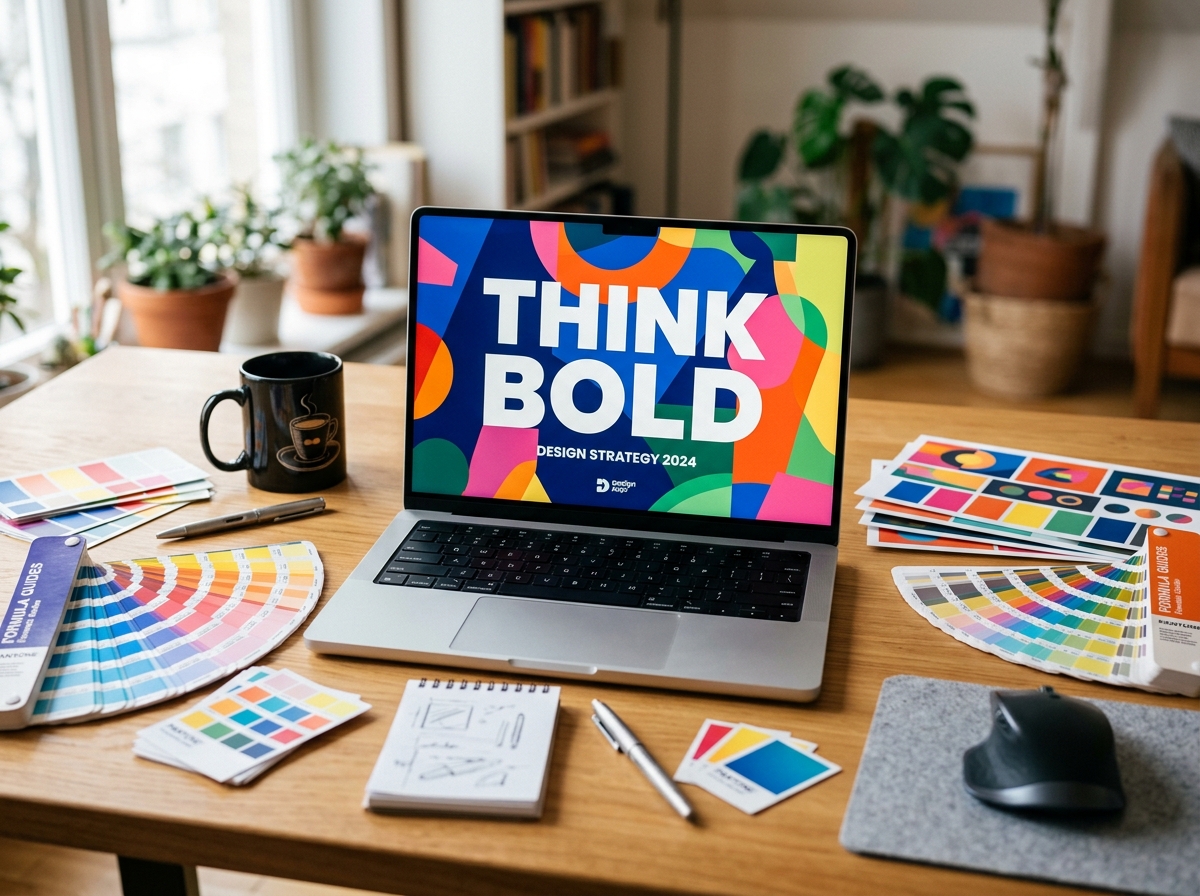
Getting your files print-ready ensures your final printed products match exactly what you see on screen.
Bleed: Always include 3mm of bleed on all sides beyond the final trim line to avoid white edges during precision guillotine cutting.
Safe Zone: Keep all critical text and logos at least 3-5mm inside the trim line.
Resolution: Supply files at 300 DPI for standard print and minimum 150 DPI for large-format graphics.
Colour Mode: Design in CMYK colour space and convert all fonts to outlines / curves before exporting high-res PDF/X files.
EC
Written by
Emma Chen
Design Lead — writes on layout, colour, and what actually catches a customer's eye.